
JUGABET ARGENTINA · MY EXPERIENCE
How I access JugaBet and handle a failed login
To log in to JugaBet, I use the platform’s sign-in page and the method used to create the account. A rejected password is a reason to check the identifier or recover access. Opening another account does not solve it. Your balance and transaction history belong to the account, rather than to the phone you use.
Argentina · Argentine pesos (ARS) · 18+
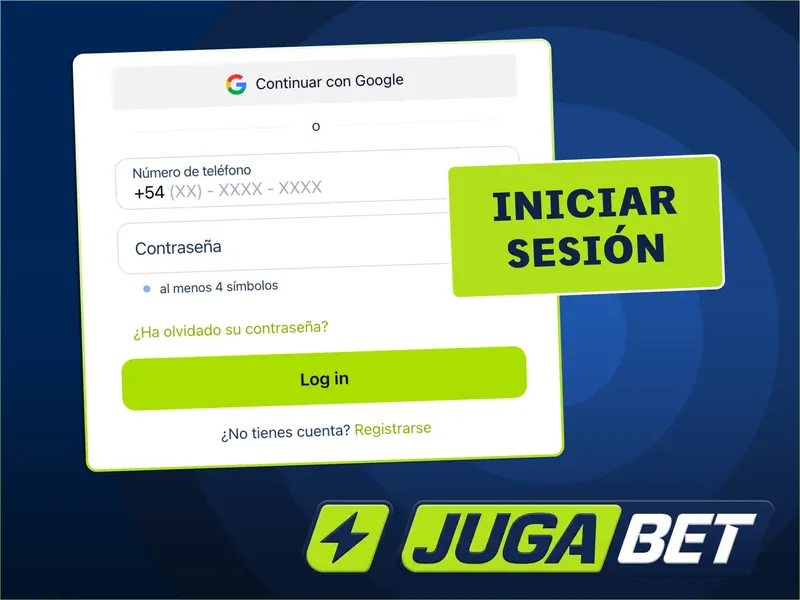
Choose the sign-in method linked to your account
Phone, email or a linked account
The form asks for account identification and a password; some versions also offer Google sign-in. Choose the method you originally used. An account registered with a phone number does not become a different account when you change browsers. Enter the country prefix as requested, without adding it twice.
What I check before submitting
I check the domain, close old tabs and make sure autofill has not selected details for another website. Then I submit once. If you do not yet have an account, follow the registration and verification guide.
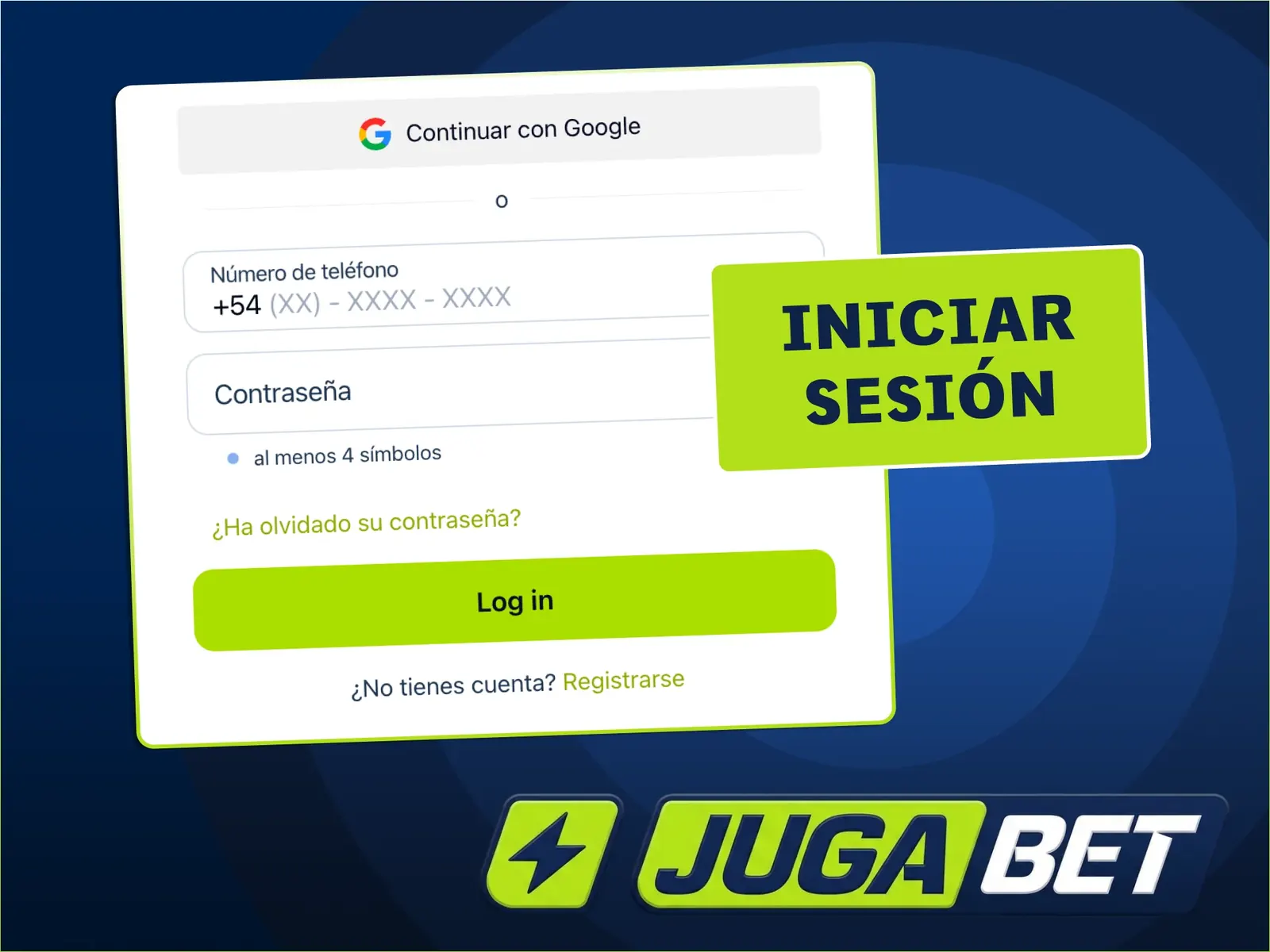
Recover a password without creating another account
Use a channel already linked to you
- Select the forgotten-password option.
- Enter the phone or email associated with the account.
- Check the message and spam folder, and use the newest code.
- Create a new password different from your email password.
- Sign in again and check the profile details.
Never send a one-time code to someone who approaches you on social media. If you have lost both your phone and email access, ask platform support for its identity recovery procedure. Account security includes keeping those recovery channels available.
Identify the error before trying again
Different symptoms need different actions
| Symptom | Useful action |
|---|---|
| Details rejected | Check the identifier and use password recovery. |
| Expired code | Request a new code and discard the previous one. |
| Page will not finish loading | Update the browser and use a stable connection. |
| Restricted account | Ask support for the reason; do not open another account. |
| Unavailable in your location | Respect the territorial restriction. |
An error screen does not establish that your balance has disappeared. I keep the exact message and its time so I can describe the problem without disclosing a password.
Returning on a phone
A shortcut is not a new account
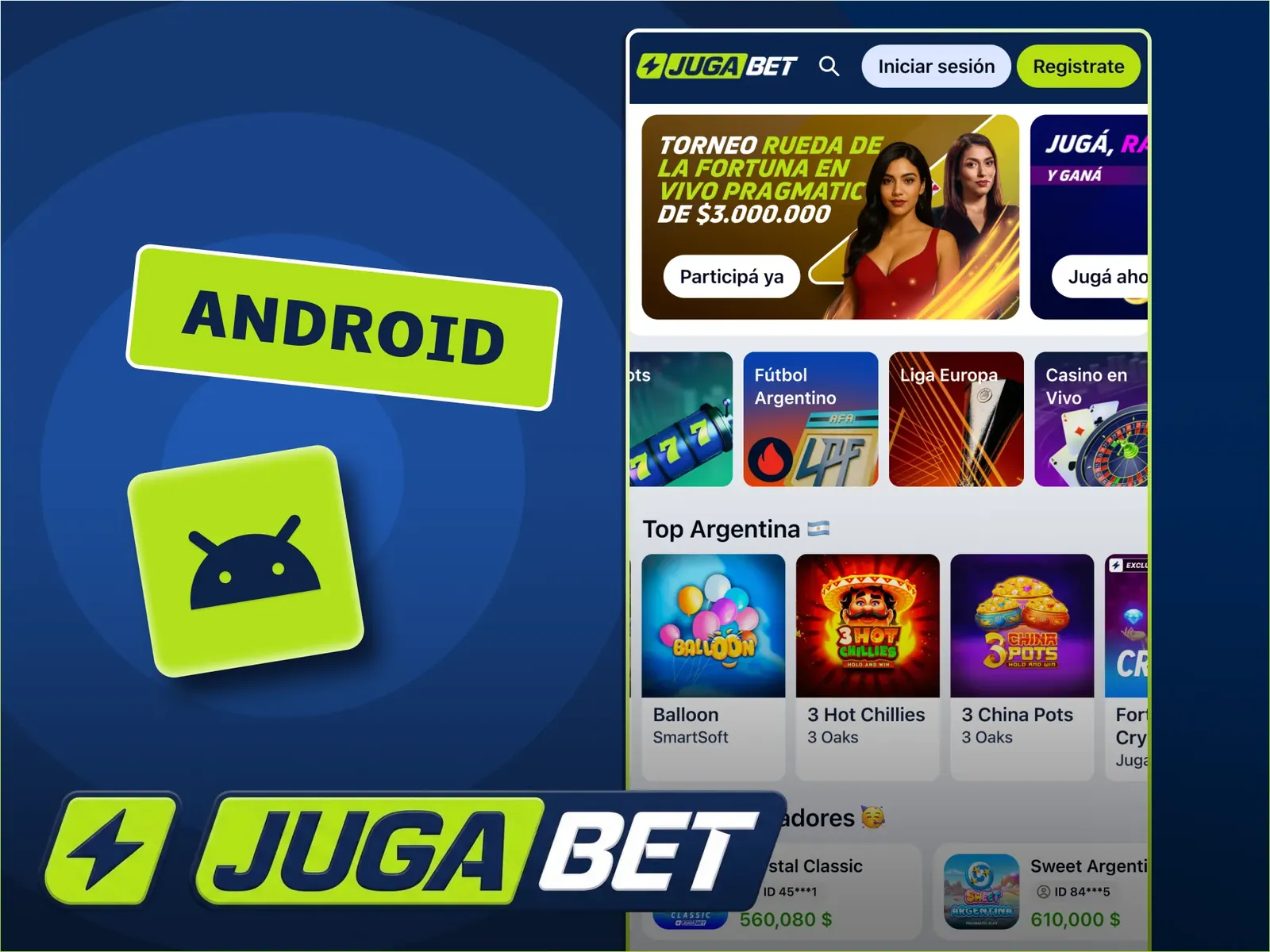
On Android, the APK and browser may retain different sessions. On iPhone, opening the home-screen shortcut may also require a fresh login. This does not mean you have two balances. The mobile app guide explains the distinction between installing an application and opening the website.
Sign out on shared devices
When finished, sign out and avoid saving passwords on someone else’s device. If you see activity you do not recognise, change the password and contact platform support before carrying out another transaction.
Send support a useful description
Enough information, without secrets
Include your sign-in method, device, browser version if known, the time of the error and a screenshot with sensitive details hidden. Never include a password, authentication code or full card details. If access works but a transaction is pending, check withdrawal status or the payment history.
My conclusion
My priority is to recover the existing account while retaining its history. Repeated registrations and shared codes create extra problems rather than restoring access.
Frequently asked questions
Do I need another account for the app?
No. Use the same account and sign-in method as in the browser.
What if the code does not arrive?
Check that the channel belongs to the account, review spam or phone coverage and request another code after the waiting period shown on screen.
Can I recover my account through social media?
Social profiles can publish information, but account recovery should go through platform support. Do not share codes.
Does a blank page mean my balance is gone?
That cannot be inferred from a blank page. Record the error, update the browser and ask for help restoring access.

My experience with games, providers and iGaming. I explain the steps, conditions and decisions that matter when playing in Argentina.
About my experience · Methodology