
JUGABET ARGENTINA · MY EXPERIENCE
My guide to using JugaBet on a phone in Argentina
What I find useful about the JugaBet layout is having Sports, Casino and an ARS account within the same navigation. Mobile access follows two different routes: an APK download for Android, or Safari with a home screen shortcut on iPhone. I keep those processes separate because an Android installation file will not work on iOS, and opening a different screen should not mean creating another account.
Argentina · Argentine pesos (ARS) · 18+
Android, iPhone or a browser: choosing your access
Choose convenience without changing your account
Your account connects the different screens. Moving from a computer to a phone does not create a separate balance. I would start with the mobile website to locate the cashier and account menus before deciding whether to save a shortcut or download the Android package. Installing software does not change a promotion’s conditions.
| Option | How it opens | Maintenance |
|---|---|---|
| Android APK | Application downloaded through JugaBet | Check the same channel for updates |
| iPhone or iPad | Safari and a home screen shortcut | Keep iOS and Safari updated |
| Mobile website | A browser tab | Update the browser and manage the session |
Access is for adults aged 18 or over in locations accepted by the operator.
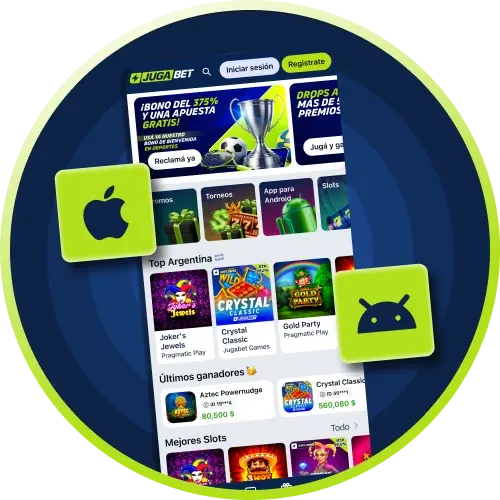
Downloading JugaBet for Android
The APK must come through the operator’s channel
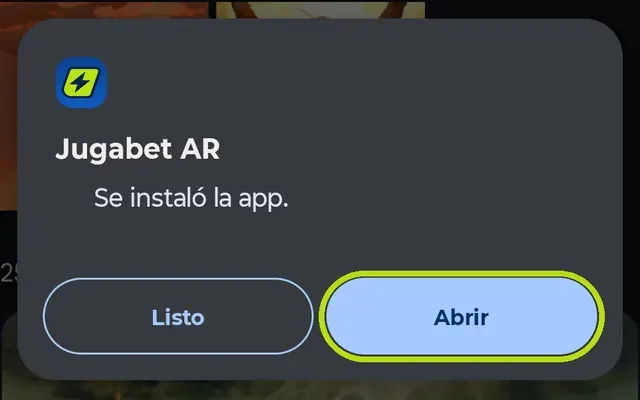
The download area offers the Android file. I distinguish that route from an advertisement promising an improved or modified version: a familiar filename does not prove where a package came from. Avoid APK files shared through private messages or unrelated download directories.
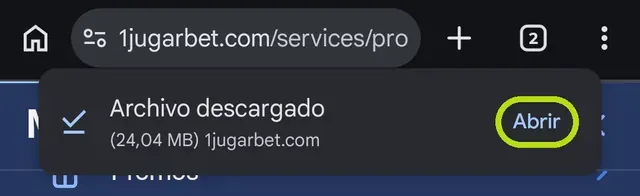
- Open the operator’s website and find its application section.
- Select the Android download and let it finish.
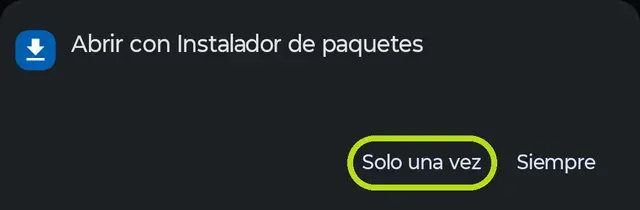
- Open the downloaded package from the notification or Downloads folder.
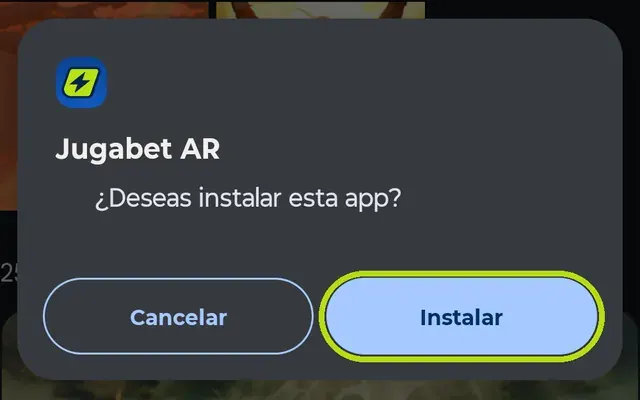
- If Android asks to authorise that source, verify its origin before accepting.
- Complete installation, then remove the permission to install from that source.
If the system displays a security warning, stop and contact support. Do not disable device protections merely to force the package to install.
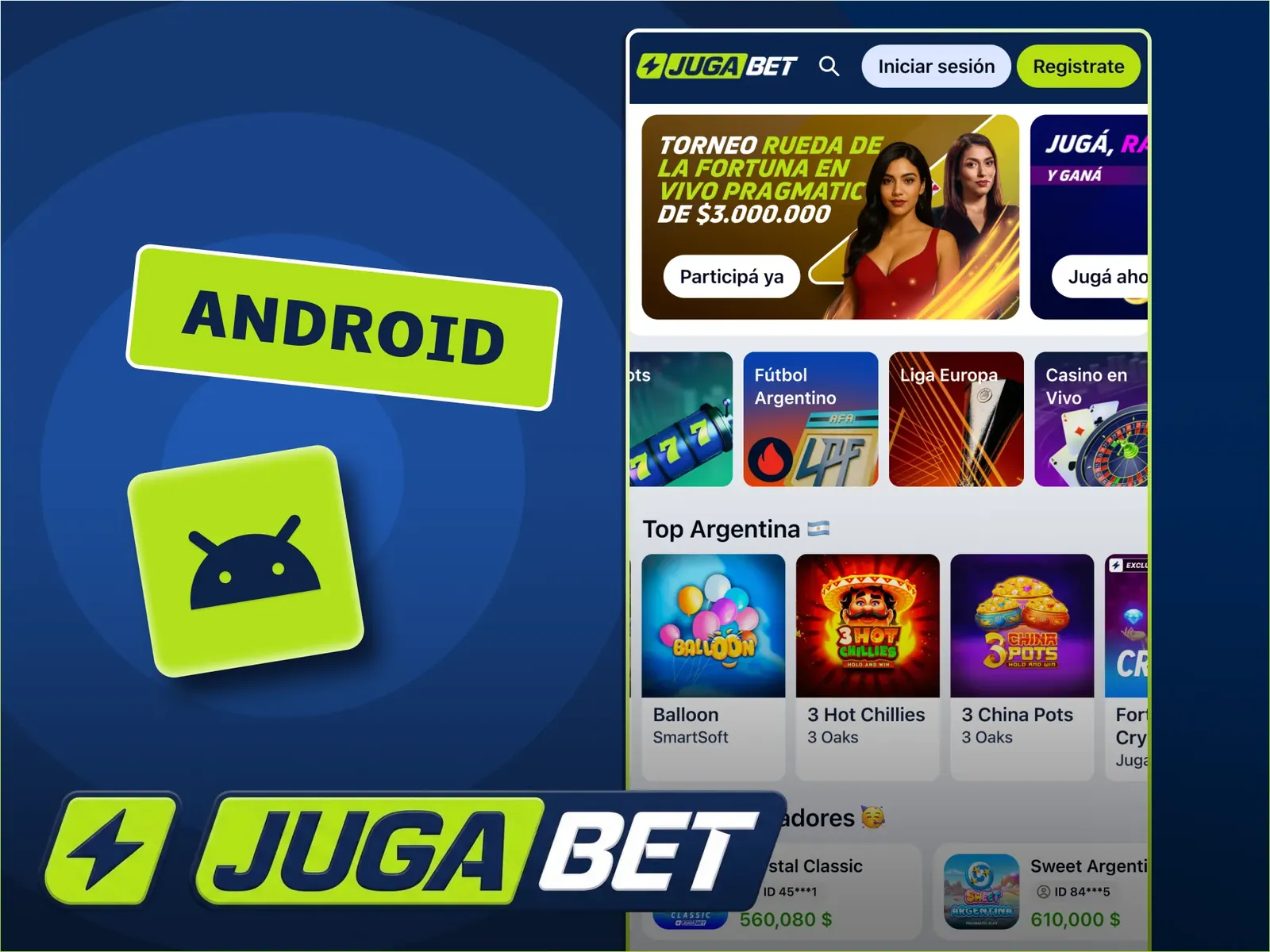
Opening JugaBet on iPhone and iPad
Safari can add the website to your home screen
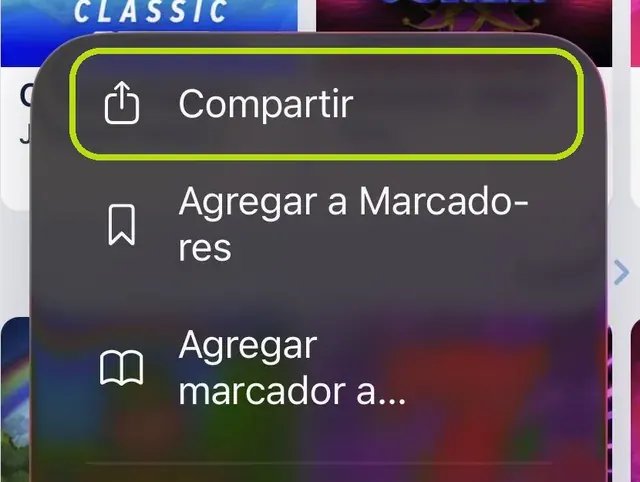
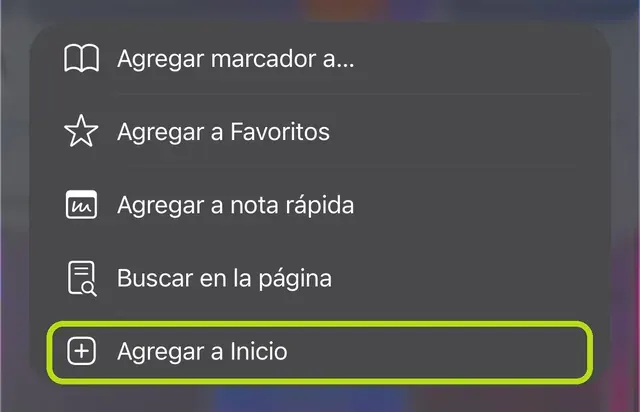
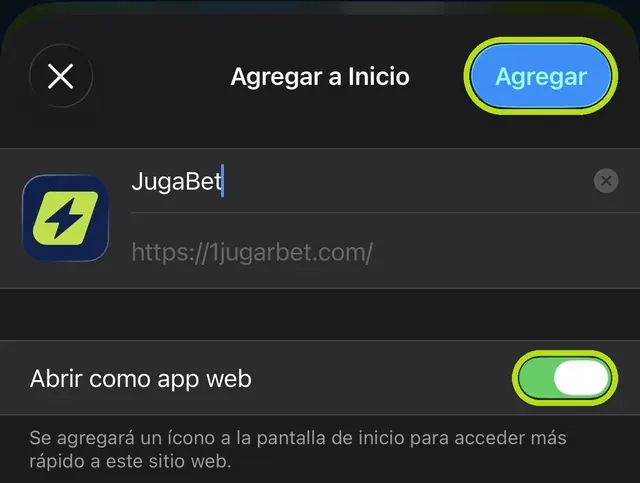
You do not need an APK on iOS. Open JugaBet in Safari, select Share and find Add to Home Screen. Check the name and, where offered, the option to open it as a web app. The Share control can sit in a toolbar or menu depending on the iOS version and screen size.
The icon opens the web platform. It is different from installing a native App Store application, and the browser can retain cache and session data. I would not describe it as using zero storage. If the shortcut opens the wrong section, remove the icon and recreate it from the main page. Removing a shortcut does not close your account or erase its balance.
Your existing account and Argentine peso balance
Use the same login as on your computer
Before adding funds, I check the profile and selected currency. The published ARS deposit reference is ARS 3,000, while the selected cashier method determines the actual minimum for that transaction. Mobile access does not make every payment instant or remove identity checks.
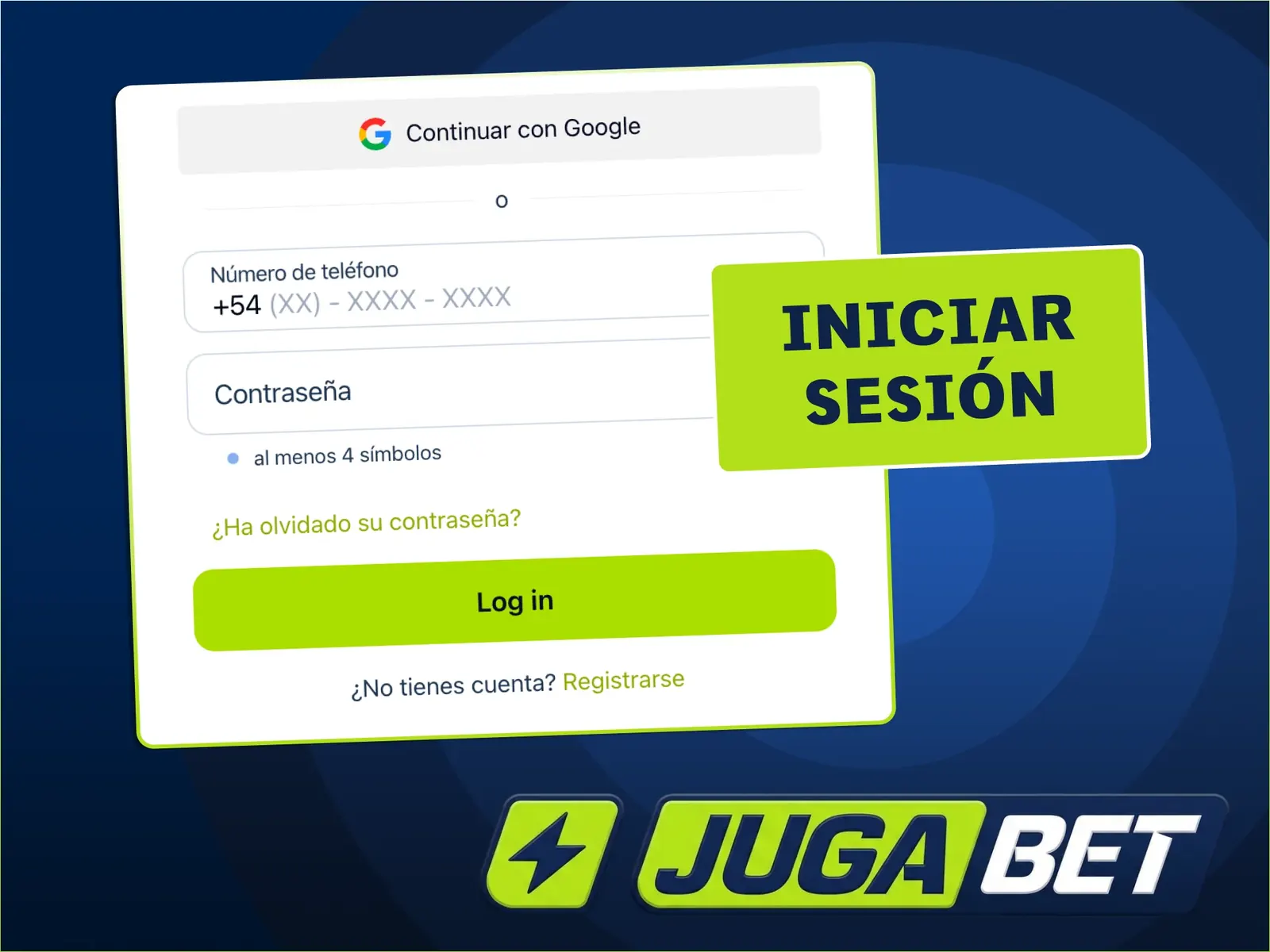
If you are new, follow the Argentina registration steps. If an account already exists, use login and account recovery. Check the payment method, amount and confirmation before returning to a game. A wallet debit and the credit to JugaBet are connected events, but they are not the same event. The ARS payment guide explains which transaction details to keep when moving between those screens.
Updates, storage and a stable connection
Live video needs more than a text page
Android updates should come through the operator’s download channel. I do not assign a permanent version number or file size because releases change. The website receives server updates, but your operating system and browser still need their own maintenance. Keep space for temporary files and avoid starting large downloads while a game is open.
Live casino tables transmit video. A connection problem can freeze the picture while the server continues recording the round. Reconnect and inspect the history before repeating any action. For documents and payments, I favour a private connection, a locked device and an account session that is not left open on a shared phone. A faster connection does not change the rules or odds of a game.
When the app will not open or a session ends
Separate a login fault from a pending payment
First check connectivity and whether the website opens in your browser. If the browser works but the APK does not, look for an update and tell support your phone model, operating system and exact error. If a transaction was involved, keep its identifier: reinstalling an app neither confirms nor cancels a deposit.
If an iPhone shortcut disappears, search the other home screens and recreate it if necessary. Use password recovery for rejected credentials instead of opening another account. Never share passwords, one-time codes or a wallet recovery phrase. An error screenshot should hide those details. Keeping a clear description of what happened is more useful than repeatedly tapping the same button.

My conclusion
I value the choice of access: the browser for a direct visit, an APK on Android and a Safari shortcut on iPhone. Convenience matters most when the account, currency and transaction history remain easy to understand.
Frequently asked questions
Do I need another account on my phone?
No. Sign in with the details of your existing account. If you cannot remember the password, recover access before attempting a new registration.
Can an iPhone install the Android APK?
No. An APK is for Android. On iPhone, open JugaBet in Safari and use Share, then Add to Home Screen.
Does deleting the iPhone icon remove my balance?
No. The icon is a shortcut to the website. Removing it does not close the account or change the balance.
What should I do if installation is blocked?
Stop and verify the download’s origin. Ask support about the exact warning rather than disabling your device’s protections.

My experience with games, providers and iGaming. I explain the steps, conditions and decisions that matter when playing in Argentina.
About my experience · Methodology